See your whole disk. Free up space in seconds.
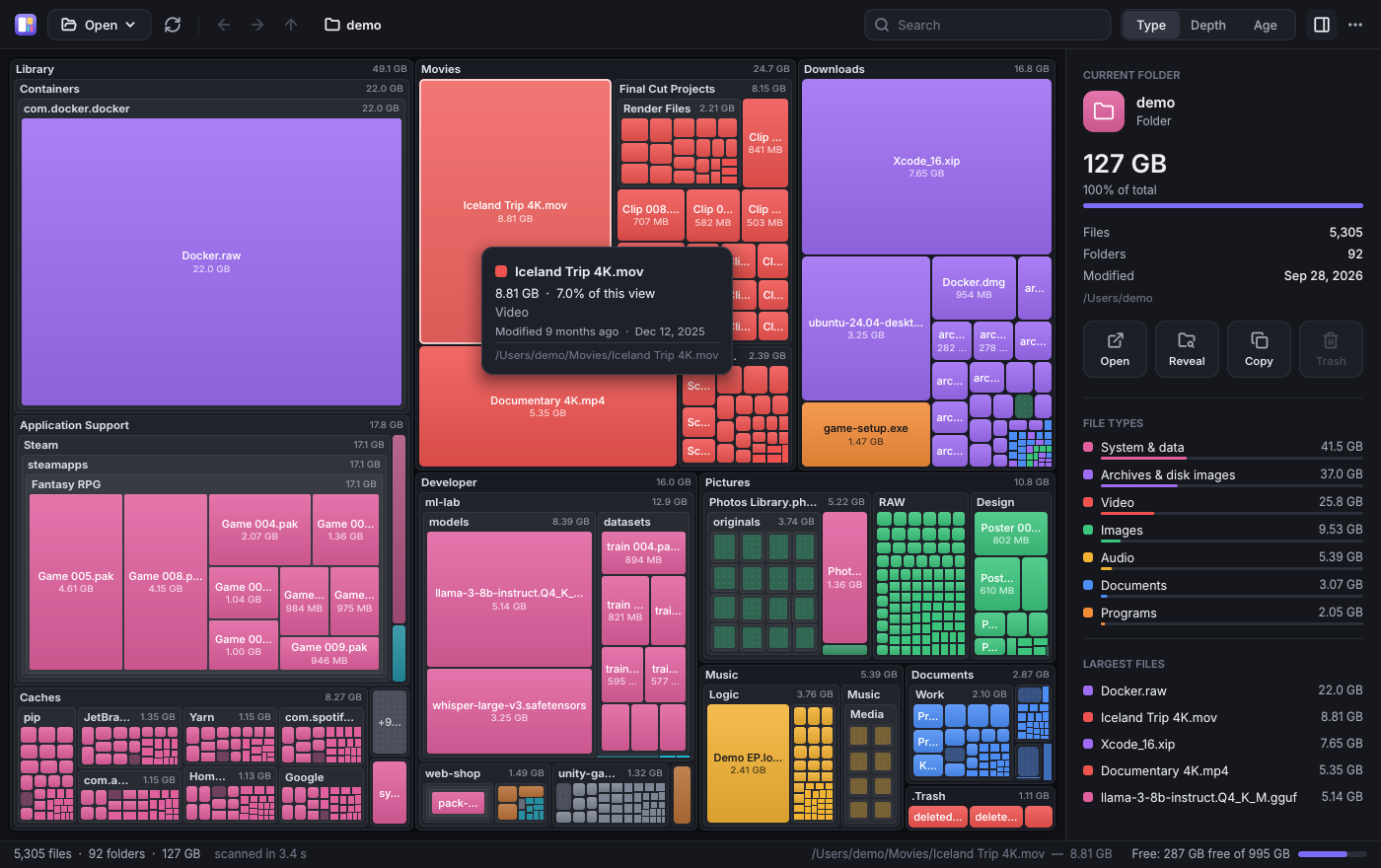
SpaceAnalyzer is a disk space analyzer that draws your disk as a map of blocks: the bigger the block, the more space it takes. Forgotten videos, years-old downloads and giant caches stand out at a glance, and one click sends them to the trash.
Three steps to get your disk back
Nothing to set up and no installer to wait for: open it and go.
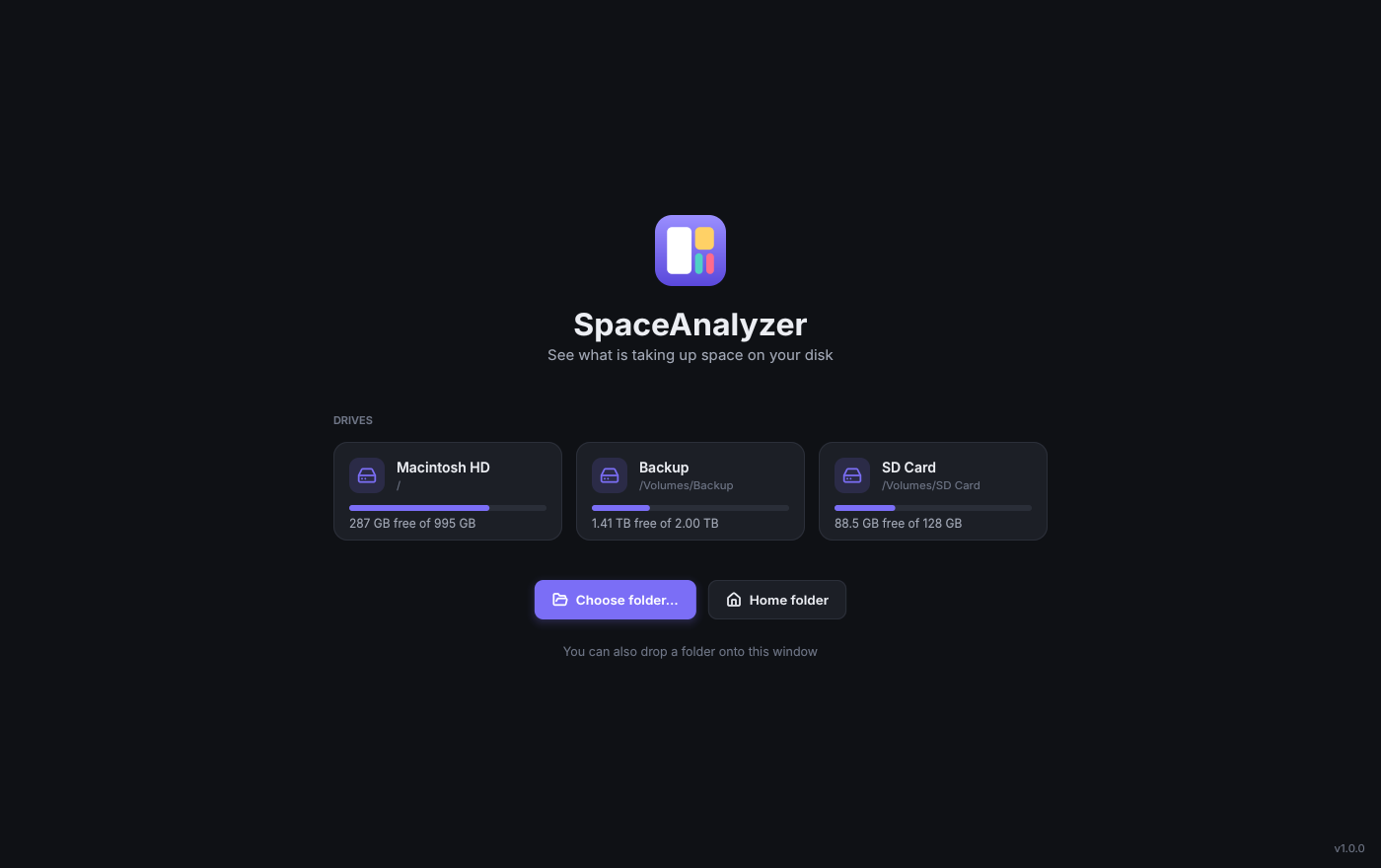
Pick what to scan
A drive, your home folder or any folder. Or just drop it onto the window.
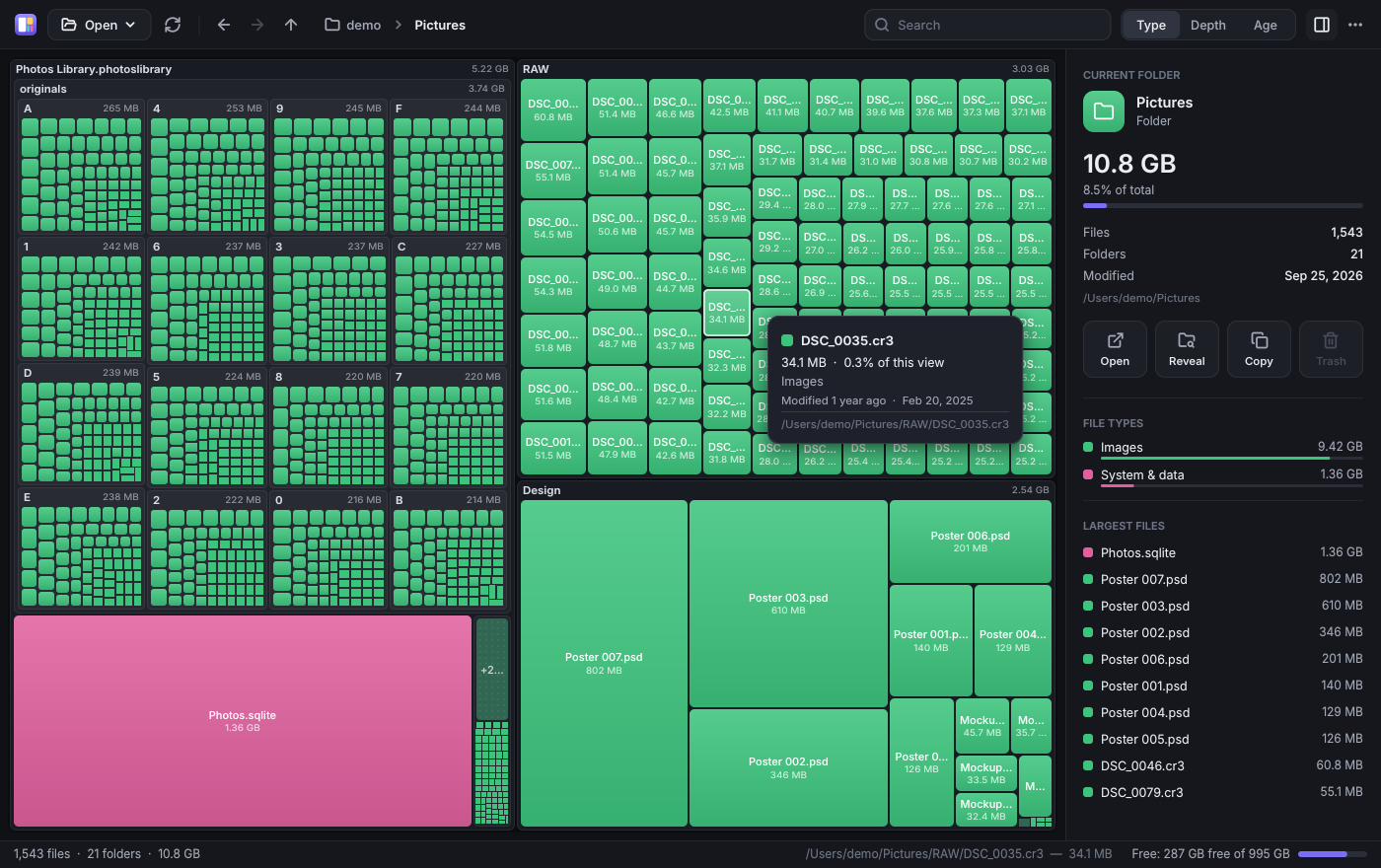
Explore the map
Every block is a folder or a file, drawn to scale. Double-click to dive in, scroll to come back.
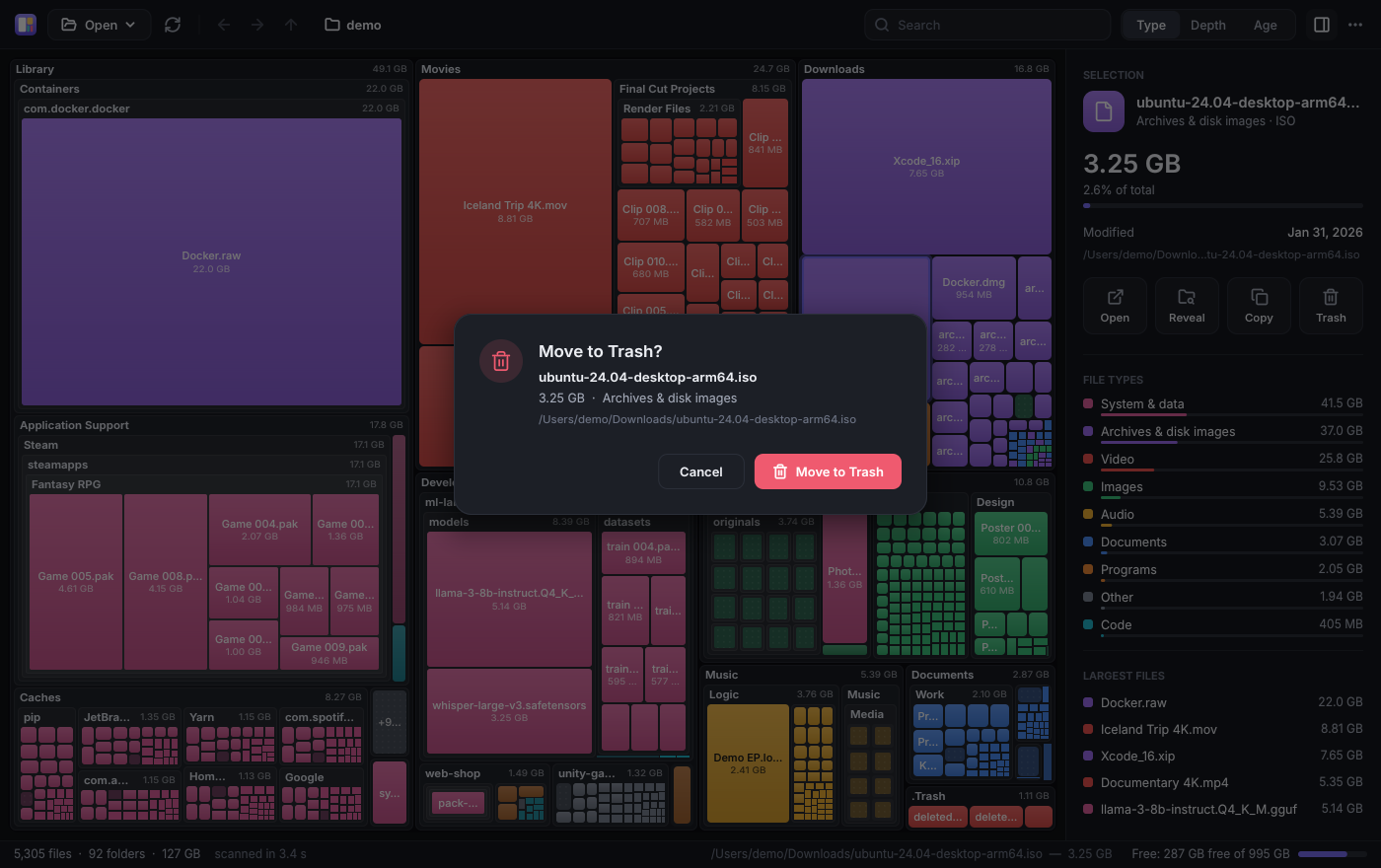
Free up space
Right-click → to the trash. Always confirmed first, and the map updates instantly.
Features
Your whole disk at a glance
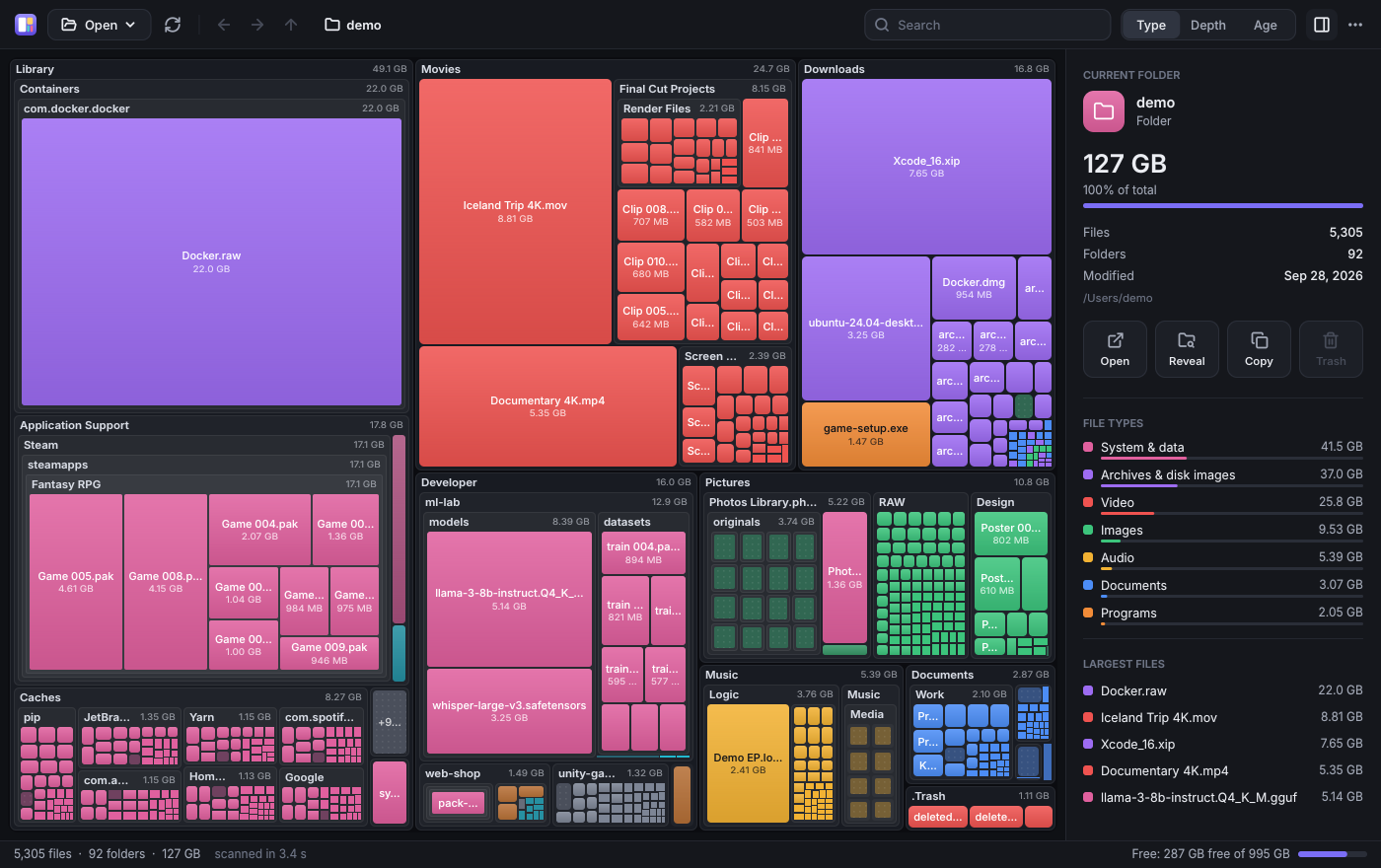
Stop opening folders one by one. The map shows every folder and file on your disk at once, nested like the classic SpaceMonger, each with its name and size.
- Near-square blocks that are easy to compare (squarified layout)
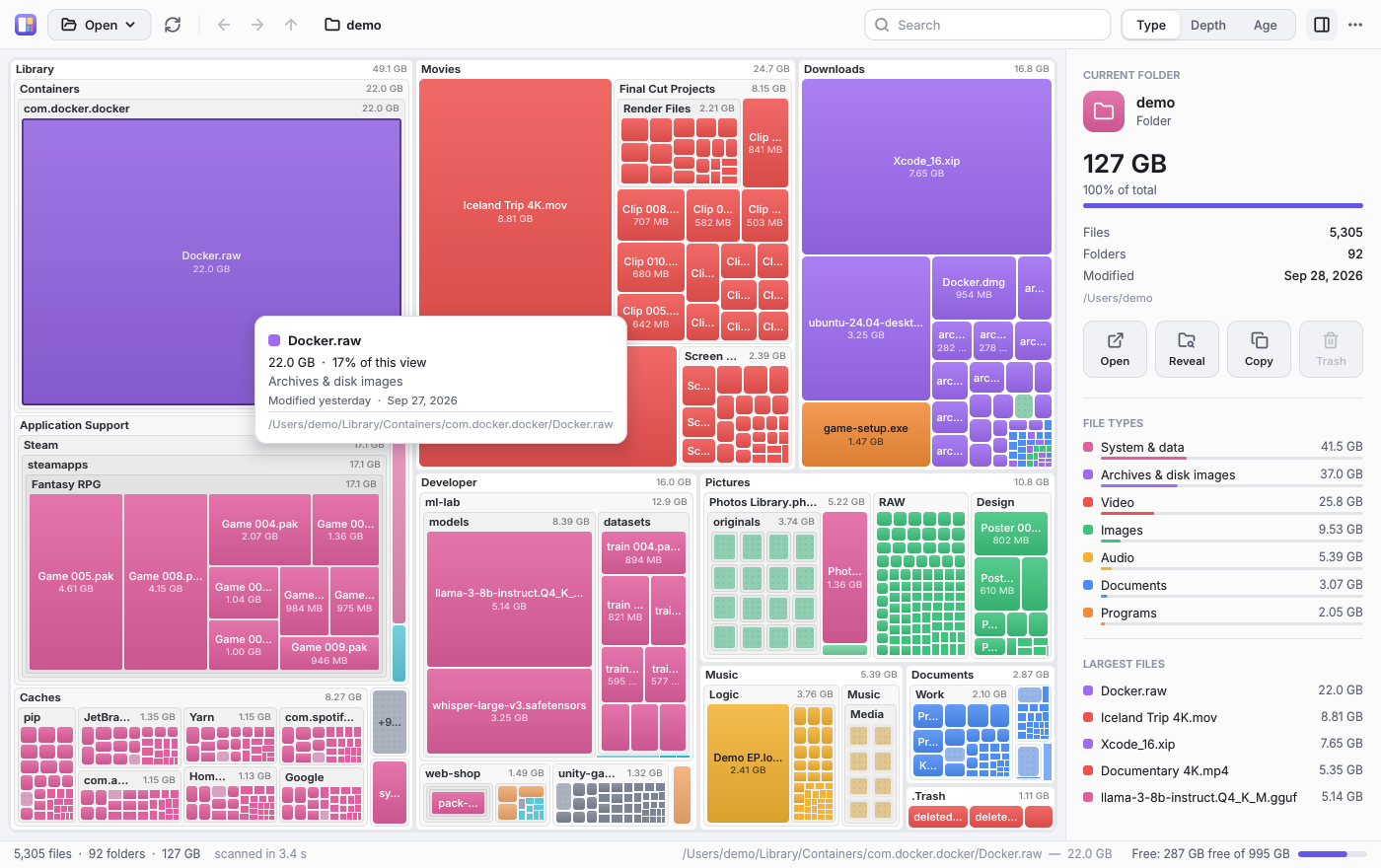
- Hover for details: size, share, file count and date
- The drive's free space, as one more block
Color it by what you want to find
By file type: video, photos, music, documents, programs, games… See at once what kind of files eat your disk.
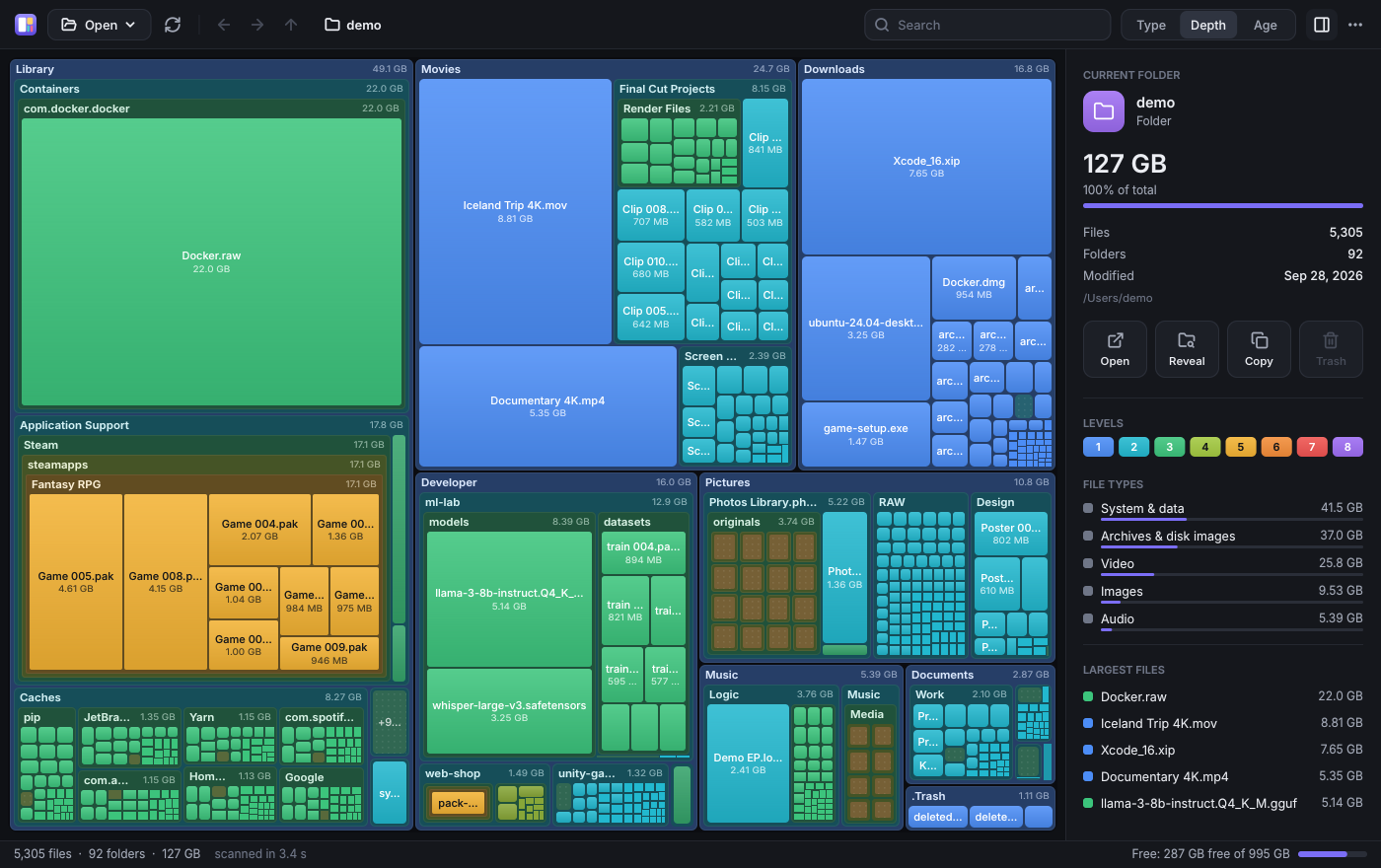
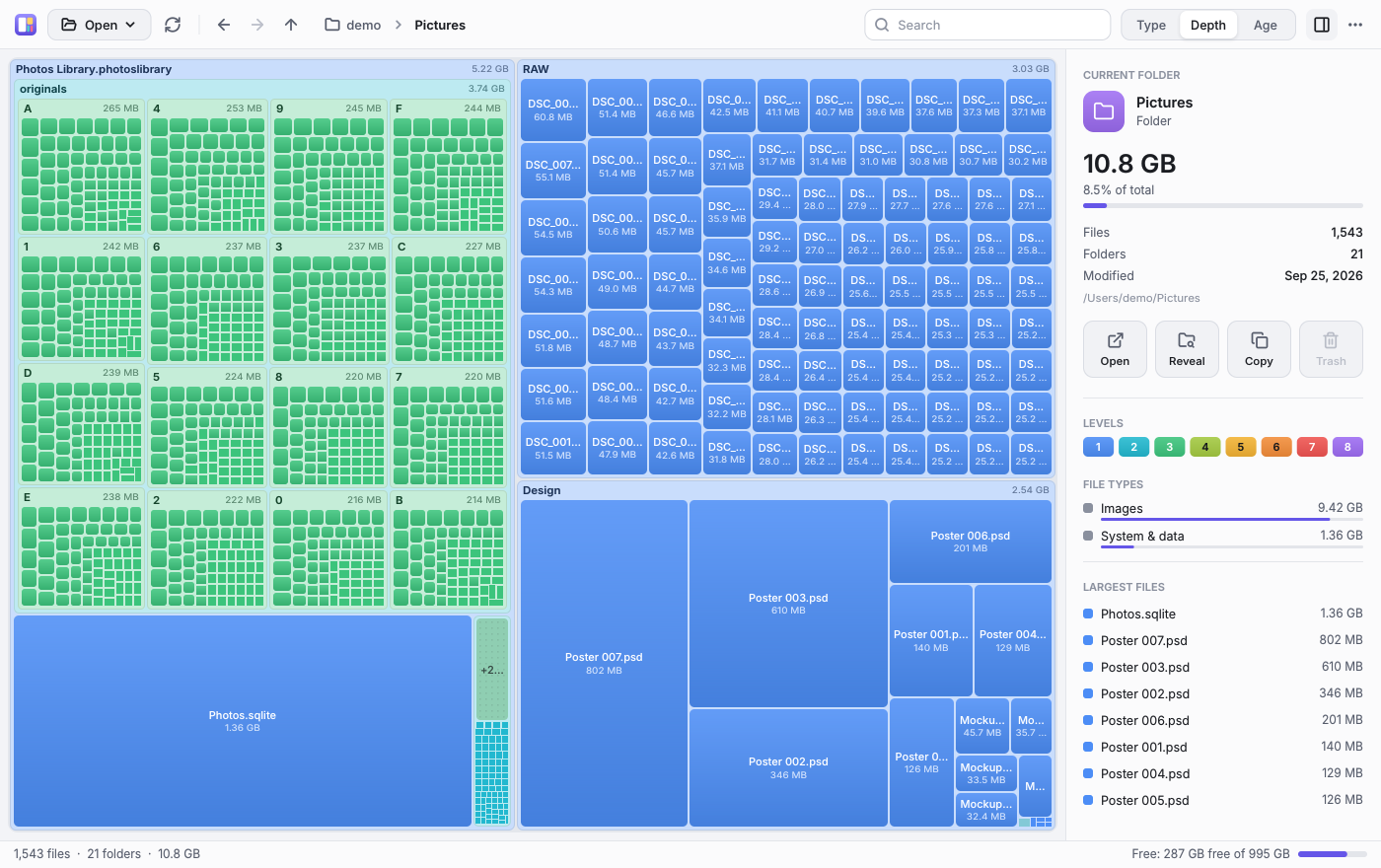
By folder depth, the classic SpaceMonger look: each level has its color, so the structure reads at a glance.
By age: a heat map from recent (red) to untouched-for-years (violet). Perfect for a clean-up.
Find anything by typing
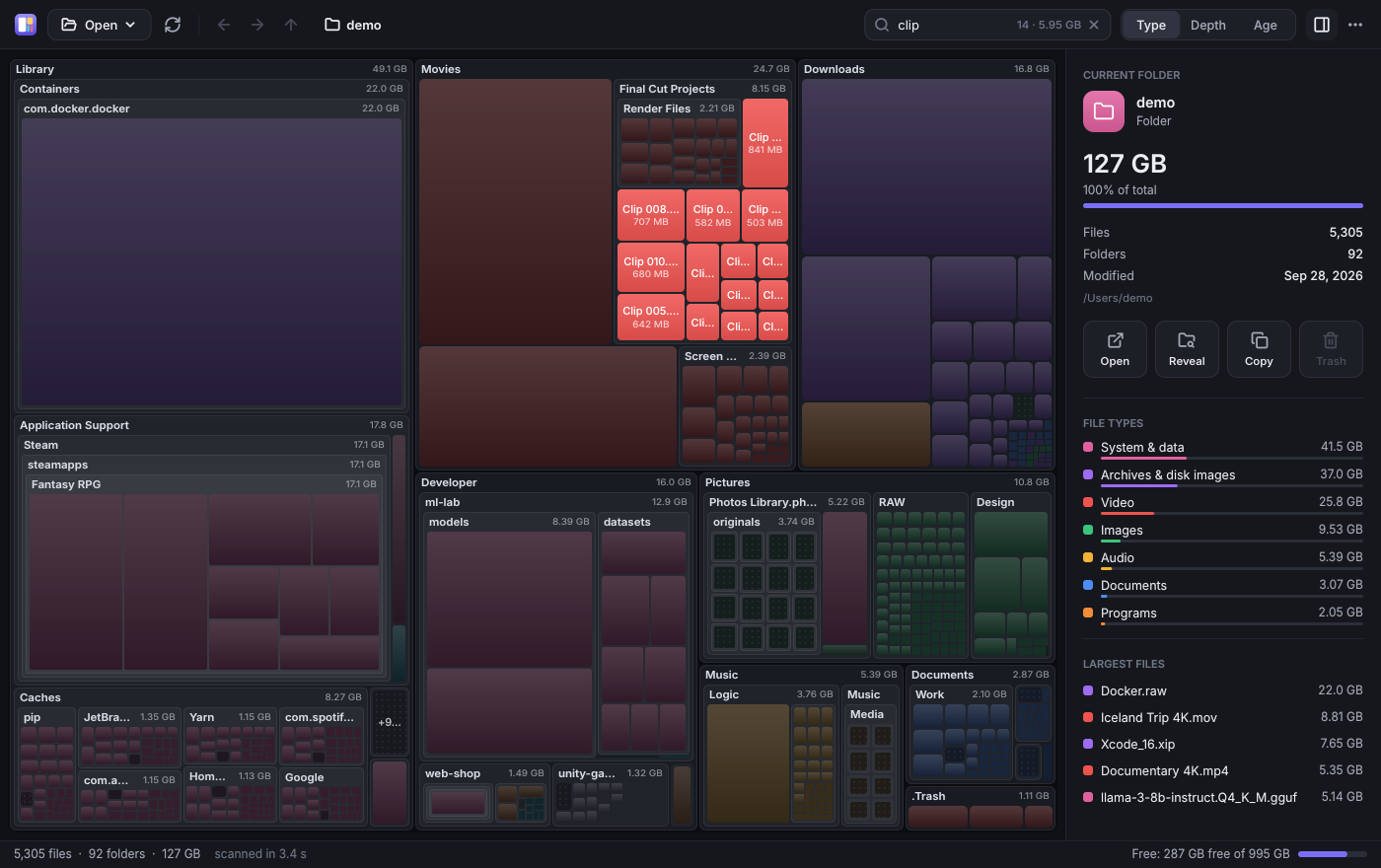
Just start typing and the map lights up what matches, instantly — along with how many items there are and how much they take.
- No dialogs: just type
- Click a file type in the sidebar to highlight it on the map
Everything one right-click away
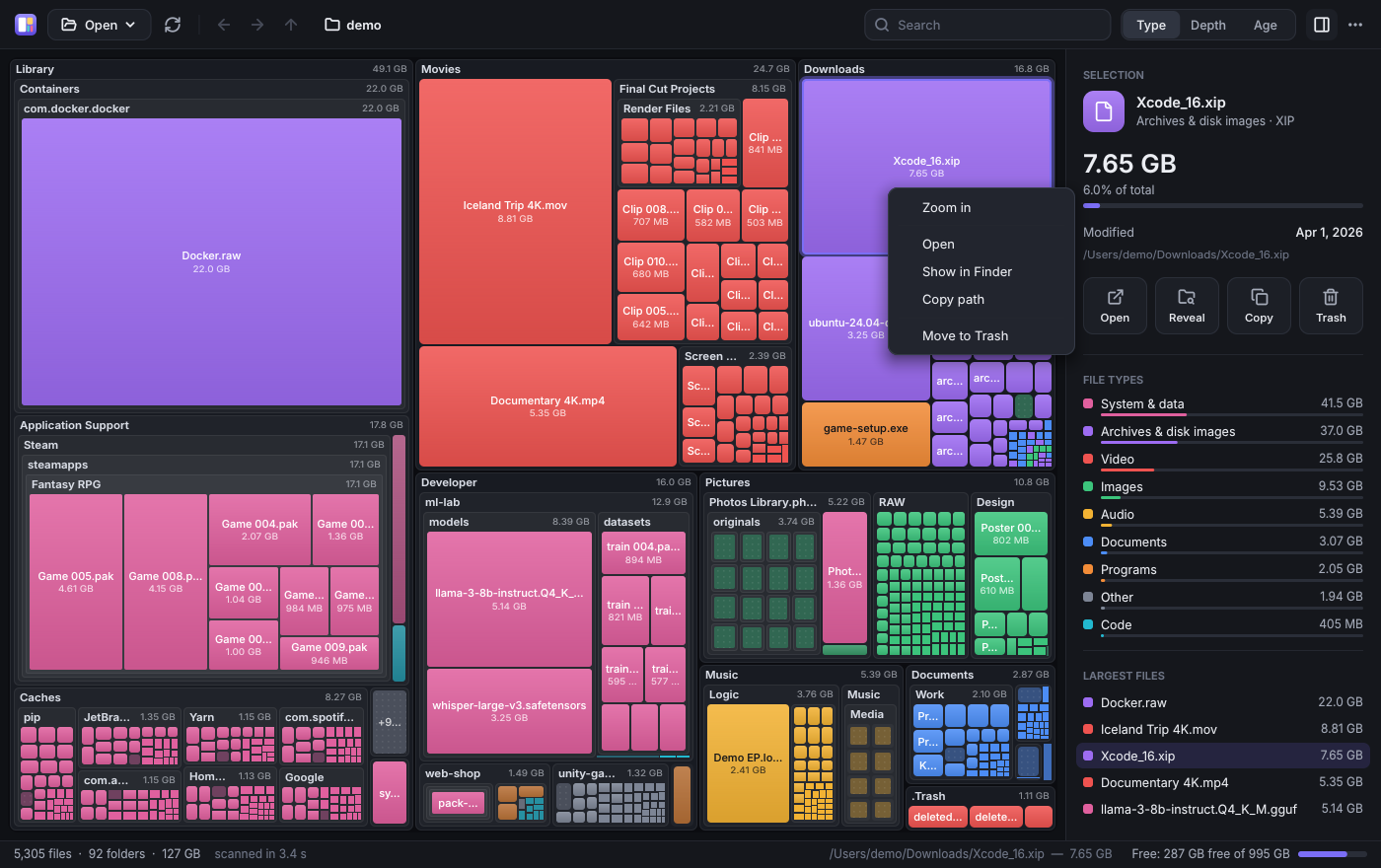
Open, show in Finder or Explorer, copy the path, rescan, or move to the trash. The sidebar lists the largest files of whatever you're looking at.
- Keyboard shortcuts for everything (Del, ⌫, Ctrl/⌘ + F…)
- Back, forward and breadcrumbs, like a browser
It never deletes anything without asking
SpaceAnalyzer only moves what you pick to the trash, always after confirming, so you can get it back. And your files stay on your computer: it only goes online to look for and download new versions.
- Links and other disks are never counted twice
- Real size on disk (sparse, compressed and cloud files)
Light or dark, English or Spanish
It follows your system theme (or the one you prefer) and speaks your language. A carefully crafted interface.
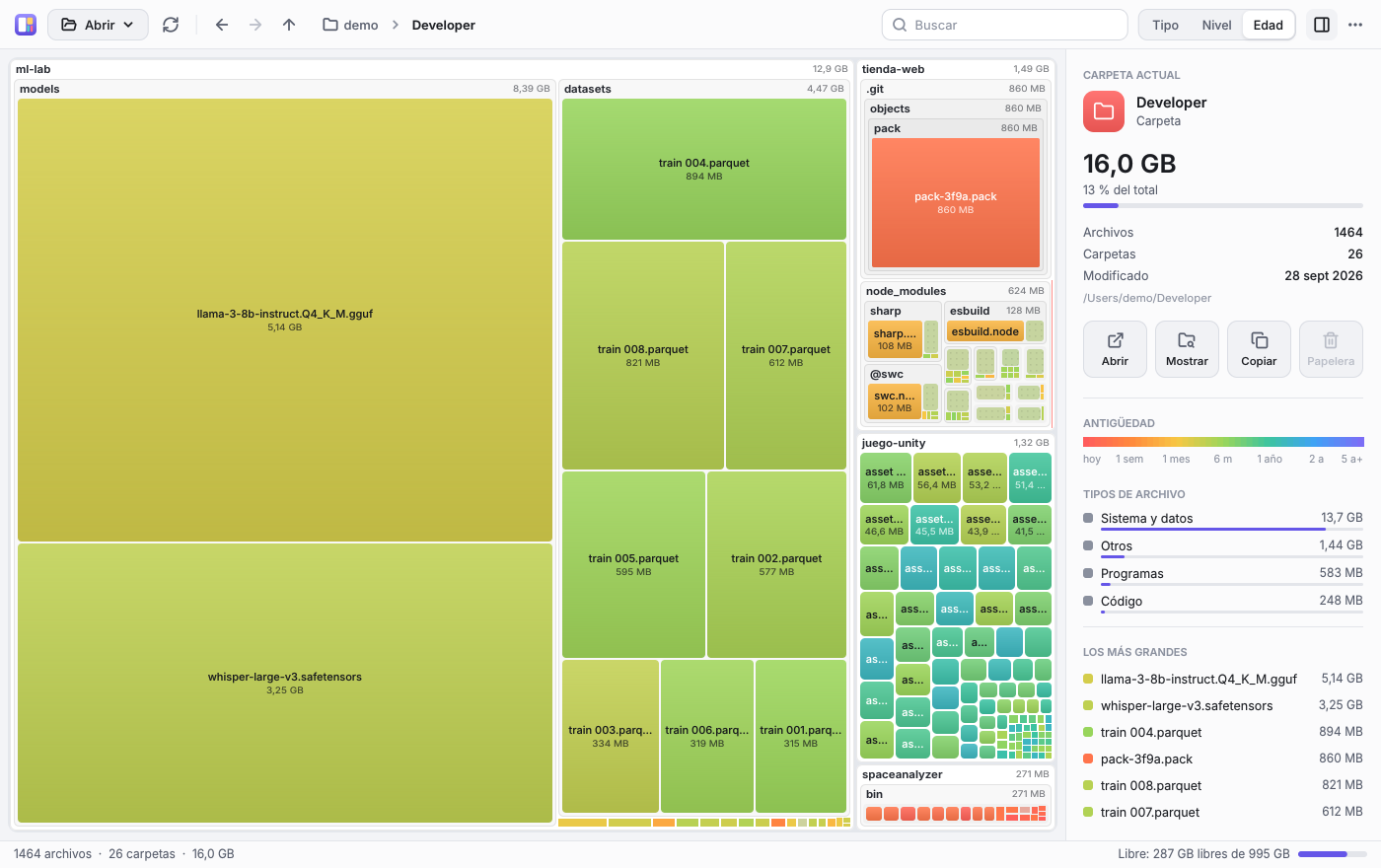
Made for Windows, macOS and Linux
The same app, pixel for pixel, on all three systems. This is a real Windows screenshot:
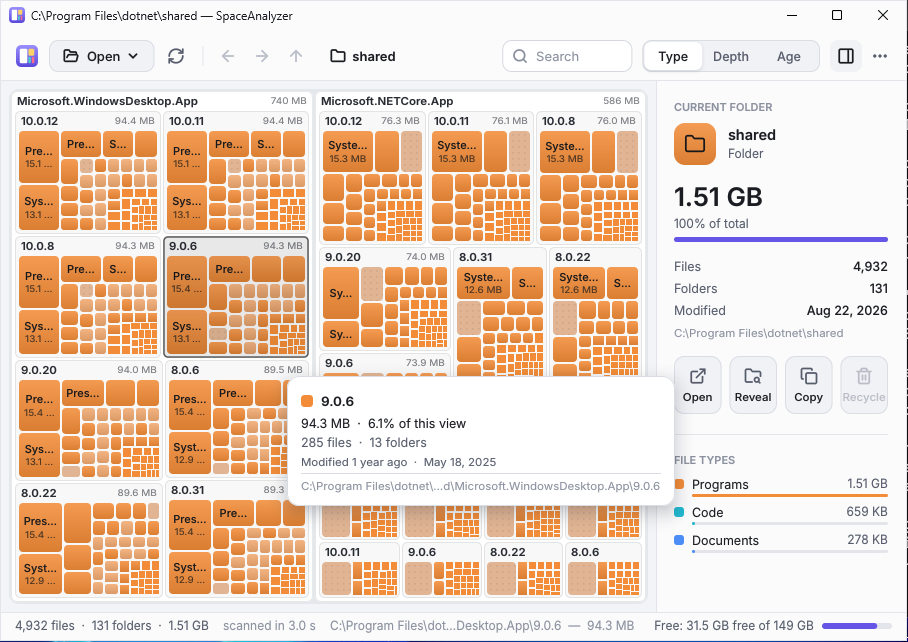
Screenshot taken by the automated test that runs the app on Windows on every change.
Tiny outside, fast inside
No heavy frameworks: everything, down to the text, is drawn with C# and .NET 10. The portable spirit of the original SpaceMonger.
Polished down to the last detail
Click any image to see it full size.

Free. No sign-up. No installer.
Each file is the whole app: download it and open it.
Windows
If you see “Windows protected your PC”: More info → Run anyway.
macOS
Drag it to Applications. If macOS won't open it: System Settings → Privacy & Security → Open Anyway.
Linux
tar -xzf SpaceAnalyzer-linux-x64.tar.gz && ./SpaceAnalyzer
Mini builds for every system, SHA-256 sums and release notes are on the release page.
Questions?
Is it really free?
Yes. It's free and open source (MIT license): no ads, no paid tier, no sign-up.
Why do Windows or macOS warn me when I open it?
Because the executables aren't signed with a paid certificate. The code is public and every release includes SHA-256 sums; you can also build it yourself with one command.
Can it delete anything on its own?
No. It only moves what you choose to the trash, always after asking, so you can always restore it from the trash.
Does it send my data anywhere?
No. Everything is analyzed on your computer and nothing leaves it. SpaceAnalyzer only goes online to update itself: at start, at most once a day, it asks GitHub for the latest version and, when there is a newer one, downloads it from GitHub and checks its SHA-256 before installing it. Turn it off in the ⋯ menu with “Update automatically”.
Do I need to install anything?
No. Each download is a single file that runs as is. The mini builds are ~500 KB but need the .NET 10 runtime installed.
Does it work with external or network drives?
Yes, any drive or folder your system can read. Scans never cross into other volumes, so nothing is counted twice.
Why is it so small?
Because it uses no UI framework. Everything is drawn by its own C# code (shapes, shadows, icons and text with the embedded Inter font), with only a thin layer per system to open the window.
How is it different from WinDirStat, WizTree or DaisyDisk?
They all help you see what takes up space. SpaceAnalyzer works the same on Windows, macOS and Linux, is free and open source, and fits in a single ~2 MB file with nothing to install.
What is SpaceMonger?
A Windows classic that showed your disk as nested blocks. SpaceAnalyzer brings the idea back with a modern design, more features and macOS and Linux support. It's an independent project, unrelated to the original.